
You step off the plane, pick up the car and type in the hotel address. Everything works. Three days later you are on a hairpin bend in the Sierra de Grazalema. Your phone shows one bar of signal and the map freezes on the loading screen. The nearest village is ten kilometres away, and the paper map stayed at home.
You can rule that scenario out in a quarter of an hour, before you even fly. Below is a short list of what to set up so your sat nav in Spain keeps working without a signal. Then come the four apps that really earn their place in Andalusia. Not a list of twenty, half of which are useless outside Madrid.
In this article:
Do it on your home wifi, not at the airport.
This is the foundation. Without it, nothing else on this page matters.
That whole area fits into a few hundred megabytes. Planning Seville and Granada as well? Download a second rectangle, because a single map has an area limit.
What an offline map cannot do: it shows no live traffic and does not reroute around jams. It will not tell you which lane to pick before a complicated junction either. What it does do is guide you correctly from A to B, with voice directions and no internet. In the mountains that is more than enough.
Waze works well in Spain because it has a large, active user base. Reports of jams, accidents and police checks appear quickly, especially on the roads around Malaga, Seville and Marbella.
Keep two things apart. Waze warns you about fixed speed cameras, and their locations are published by the DGT (Dirección General de Tráfico), Spain's traffic authority. That information is public and using it is legal. Devices that detect or jam radar signals are a different matter. Radar detectors and so-called jammers are banned in Spain, and a jammer alone carries a heavy fine.
The biggest limitation of Waze: it does not work offline. With no internet the app cannot plan a route or even show the map. Treat it as a companion to Google Maps wherever you have signal, not as a replacement.
In practice the split looks like this. Waze on motorways and in towns, Google Maps with offline maps in the mountains and on local roads.

Paid street parking in Malaga is run by SMASSA, a company owned by the city, and its official app is Telpark. You pay from your phone and extend your stay remotely. No walking back to the meter with a handful of coins.
Rates in Malaga's “zona azul” (blue zone), correct as of 2026:
| Length of stay | Charge |
|---|---|
| 30 minutes (minimum) | €0.50 |
| 1 hour | €1.00 |
| 2 hours 30 minutes (maximum) | €2.00 |
The zone runs Monday to Friday from 9:00 to 14:00 and 16:00 to 20:00, and on Saturdays from 9:00 to 14:00. On Sundays and public holidays you park for free. The maximum stay in a standard zona azul is 150 minutes. In the fast-turnover bays marked SARE 30 it is just half an hour.
The penalty for overstaying is €5, and for having no ticket at all it is €9. You can cancel either within three days on the SMASSA website by paying the parking charge you owed. That kind of leniency is rare. Use it, rather than ignoring the slip under your wiper.
EasyPark works in many European cities, so Dutch and Scandinavian visitors may already have it on their phone. It tends to be handier if you are driving up and down the coast, because it also covers Marbella, Fuengirola and other resorts. One profile, one card, many towns.
For more on zones, prices and covered car parks, see our guide to parking in Malaga and Marbella.
Fuel price comparison. A Spanish government ministry runs an official website with prices from every petrol station in the country, updated continuously. Several apps use the same data and show the stations around you sorted by price. A motorway services and an unmanned pump a few kilometres away can differ by 20 cents a litre.
miDGT. The official app of the DGT. It shows road conditions, roadworks, closures and incidents in real time. Handy before a longer drive, especially one through the mountains.
AEMET. Spain's national weather service. In summer you check it for heat warnings, in autumn for sudden downpours. In Andalusia those can turn a dry gully into a torrent in a quarter of an hour. There is even a local name for it: “gota fría” (cold drop).

Roaming inside the European Union costs nothing extra, so an Irish, Dutch or Swedish SIM works in Spain as it does at home. UK SIMs are a different story. Since Brexit, surcharge-free roaming in the EU is no longer guaranteed for UK customers. Some networks charge a daily fee, others still include it, so check your plan before you fly. Whatever your network, look at the roaming data allowance as well. It is sometimes lower than at home, and live navigation can eat through a lot of data.
Coverage on the coast and along the motorways is good. The trouble starts in three places:
That last one can fool you. After leaving an underground car park, the sat nav briefly shows you in the wrong place and tells you to turn round. Drive 200 metres before you decide it has got it wrong.
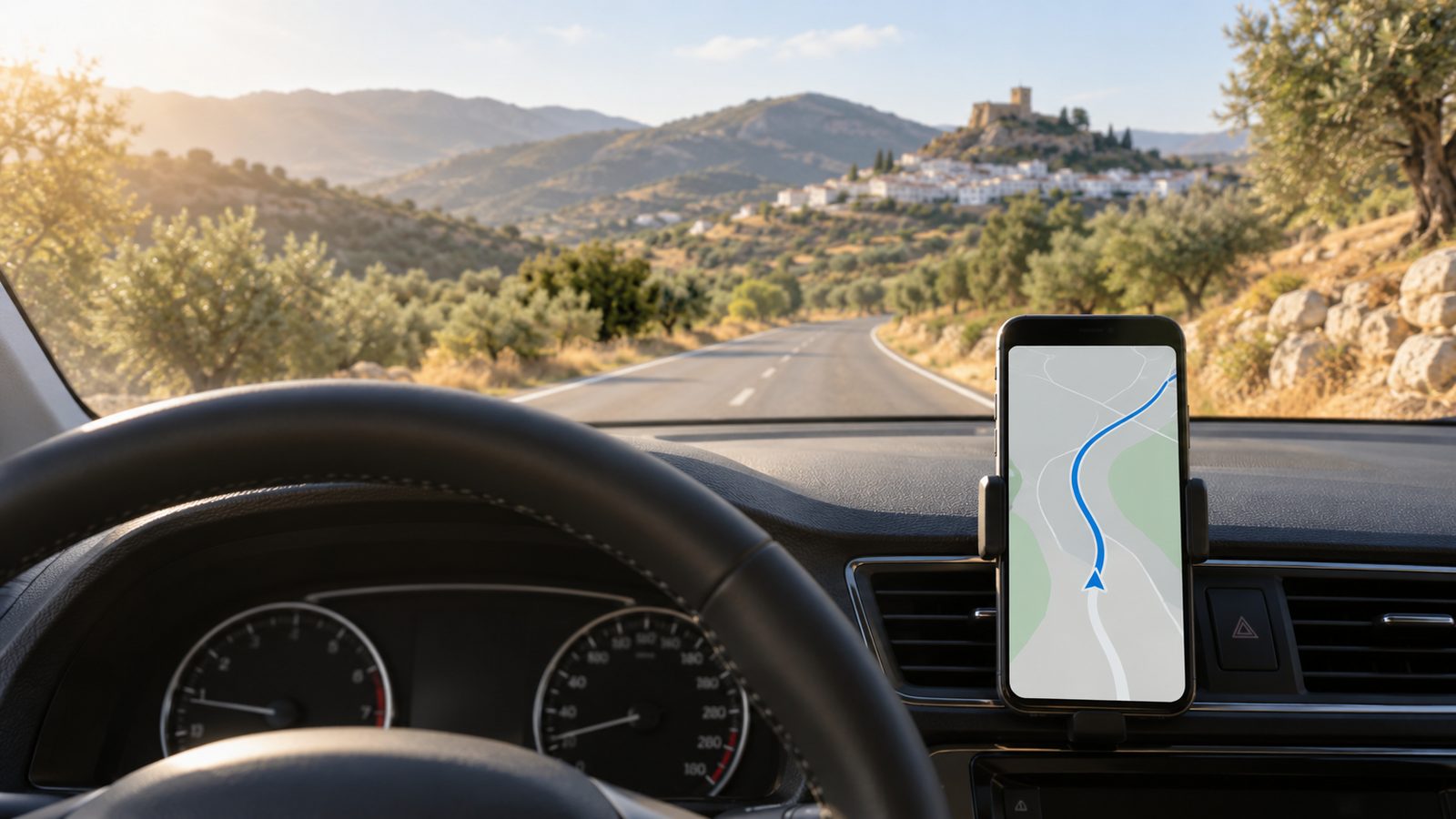
A phone lying on the passenger seat is useless as a sat nav, and it can cost you money. A mount that clips to an air vent or sticks to the windscreen is the cheapest investment of the whole trip.
A car charger matters just as much. Navigation with the screen and GPS on will drain your phone in two to three hours. And you still need it for the parking meter, photos and tickets.
The cars in our fleet have USB sockets and Bluetooth, and some support Android Auto and Apple CarPlay. A map on the dashboard screen is far easier to read than one on a phone. Voice commands run off your phone, so they work in your own language. Ask at pick-up whether your model has it, because equipment varies between car classes.
An app calculates a route. It does not judge whether the route makes sense. These five situations come up in Andalusia more than any others.
The shortest route over the mountains. Google Maps will happily send you along a local road over a pass, because on paper it is shorter. In reality that means an hour of hairpins instead of forty minutes on the motorway. When you plan the route, check whether the time saving is real, and pick the option that sticks to main roads.
Lanes in the old towns. In Ronda, Setenil and Arcos the sat nav takes you right up to the monument. That includes streets a car physically cannot fit into. Enter the address of a car park, not the address of the sight.
Restricted traffic zones. The cameras at the entrances to the centres of Seville, Cordoba and Granada do not show up anywhere on your sat nav. The fine arrives by post a few weeks after you get home.
The same street names in different towns. You will find a “Calle Real” or an “Avenida de Andalucía” in a dozen or more towns on the Costa del Sol. Always check the town in the search result, not just the street name.
The exit announced too late. At junctions on the A-7 and AP-7 the exits can sit close together, and an offline map gives no lane guidance. Move into the right-hand lane a kilometre earlier than instinct suggests.
Yes, as long as you download the maps over wifi beforehand. Voice guidance and route planning work with no internet, but you get no live traffic and no lane guidance.
Yes to both. Waze warns you about fixed speed cameras whose locations the DGT publishes, and that is legal. What is banned are devices that detect or jam the radar signal.
Telpark, because it is the official app of SMASSA, the city company that runs the paid zone. Along the rest of the coast EasyPark tends to be handier, as it also works in Marbella and Fuengirola.
€1.00 an hour, with a minimum of €0.50 for 30 minutes and a maximum of €2.00 for 2 hours 30 minutes. On Sundays and public holidays parking is free.
Not usually. Irish and other EU SIMs roam in Spain at no extra cost. UK networks set their own roaming rules, so check your plan and your data allowance before you fly.
No. The penalty is €200 and 6 points, and it applies in a traffic jam or at a red light too. The phone has to sit in a mount.
No. A phone with offline Google Maps guides you by voice with no data, because GPS works independently of the internet. Only apps that need a constant connection, such as Waze, stop working in the mountains.
Maps downloaded, apps installed, mount packed. All that is left is the car. At Car4Rent Malaga you rent with no deposit and no credit card, with service in English or Polish around the clock. We bring the car to the airport terminal, or to your hotel for an extra fee, and the paperwork takes 15 to 20 minutes. If you want a model with Android Auto or CarPlay, tell us when you book.
➤ Check availability and prices
See also:
 Contact phone number/Whatsapp:
 E-mail:
 Opening hours:

